One website instead of six subscriptions
 The Aglyn Team · Oct 2026
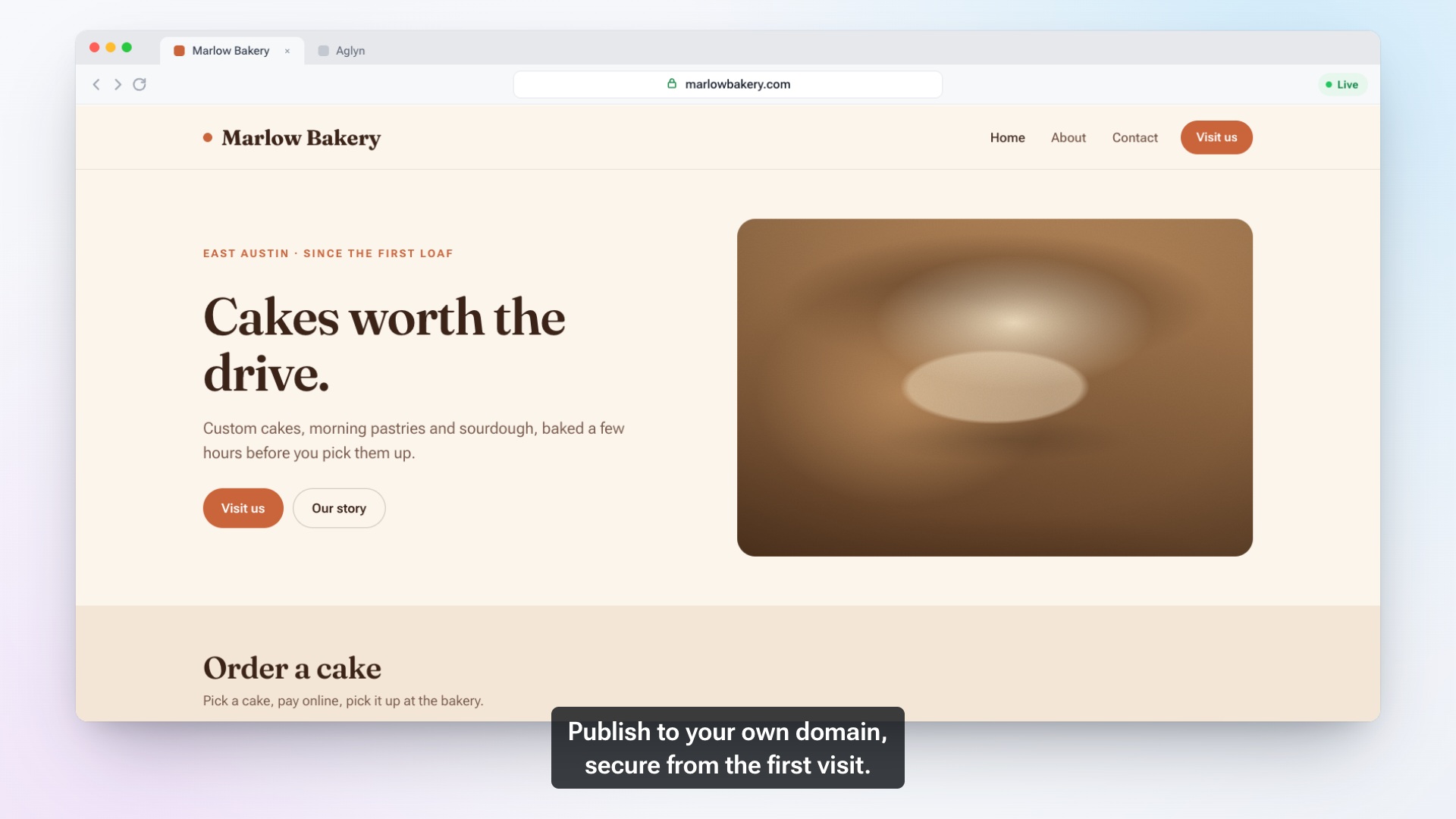
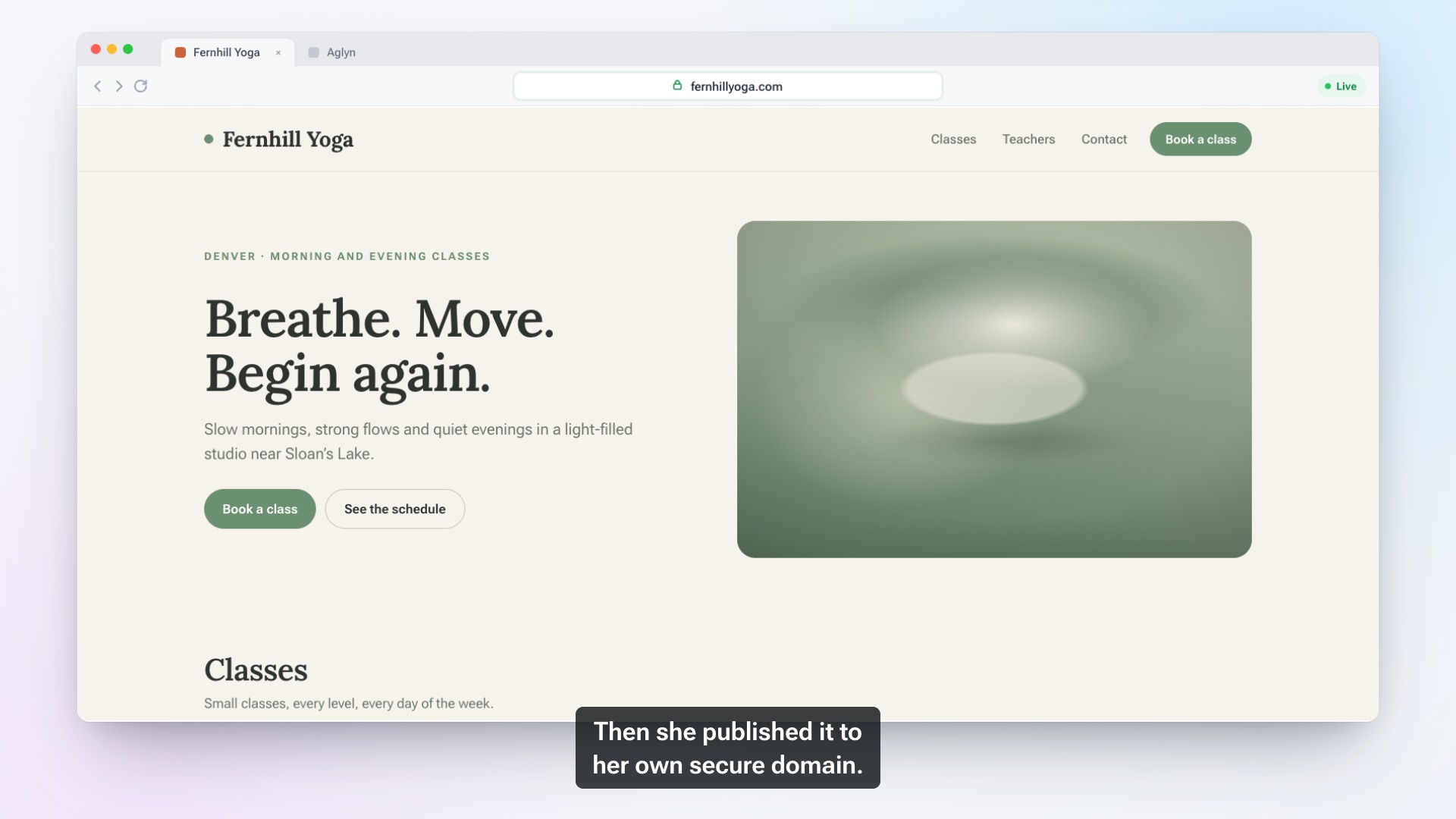
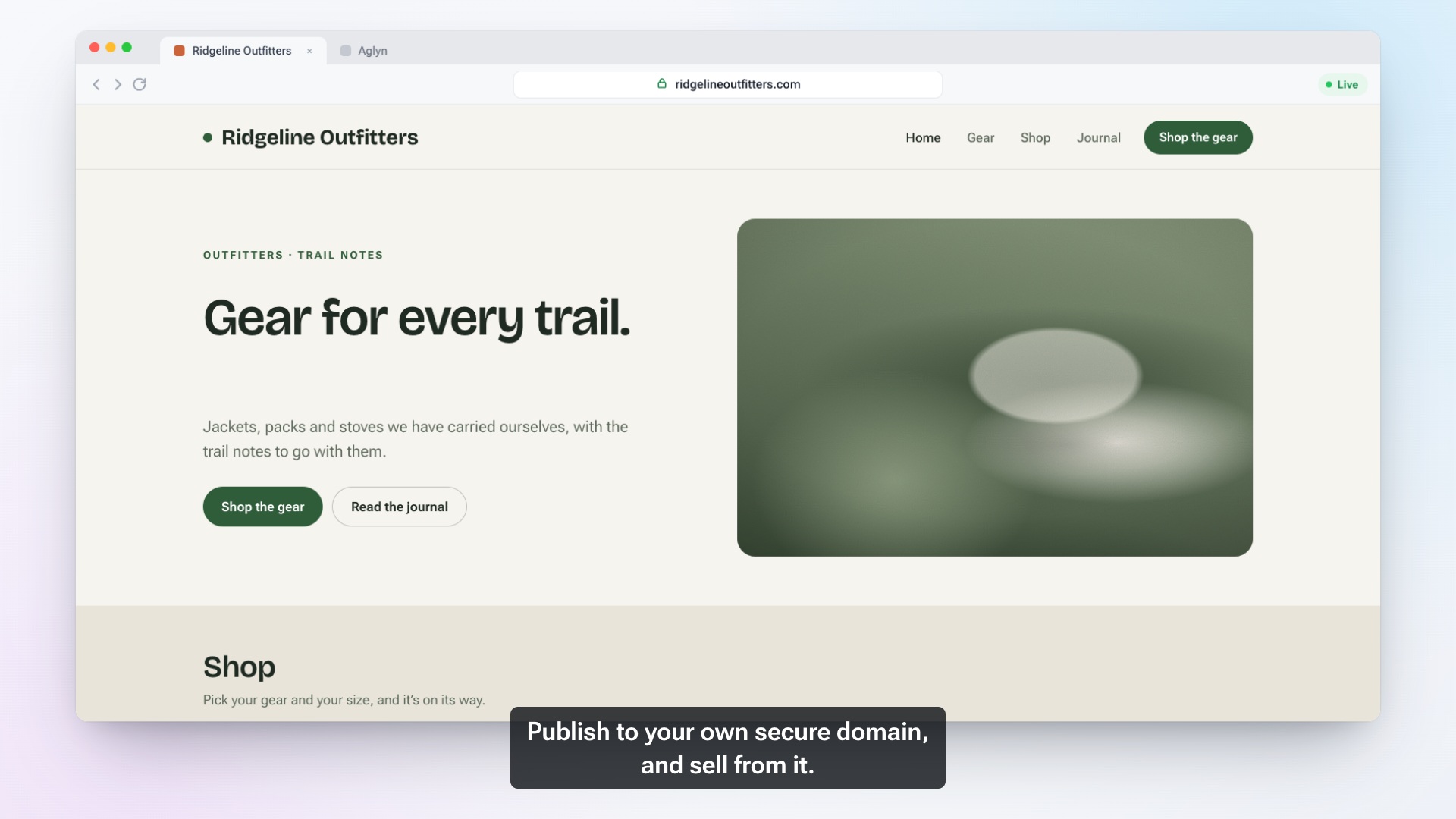
Most small businesses don't decide to run six tools. It happens one problem at a time, and the film above shows where that usually ends up. This article is about what that setup really costs and how to decide what you need instead.
How a website turns into six subscriptions
It usually goes like this. You start with a site builder. You want to sell a few things, so you add a store. Customers ask to book online, so you add a booking tool. Someone suggests a newsletter, so you add an email list tool. Leads pile up in your inbox, so you add a contact manager. Then you want to know whether any of it works, so you add analytics.
Each tool is reasonable on its own. Together, they create costs that never show up on a bill.
The hidden costs of a stitched-together stack
Six logins and six places to make one change
Change your business hours, and you change them in the site builder, the booking tool and maybe the store's pickup settings. Hire someone, and you create six accounts for them. When they leave, you have to remember all six.
One customer, six records
The same person buys from your store, books an appointment and joins your newsletter. In a stitched setup, that's three records in three tools, often with slightly different spellings. Nobody can see that your best customer is one person.
Things that don't talk to each other
A booking doesn't add anyone to your contacts. A store order doesn't tell your email list who bought. Connector tools can bridge the gaps, but each bridge is one more thing to set up, and when one quietly breaks, you find out weeks later.
Pages that don't feel like your site
A booking page or signup form hosted by another tool often looks like someone else's website. Visitors notice the jump.
What one platform changes
With an all-in-one website builder, the site, store, bookings, forms, newsletter signup and analytics are parts of the same site. In Aglyn that means one login and one editor. It also means one place where people end up.
Every way in leads to one contact list. When someone places an order, books a service or fills in a form, Aglyn creates or updates their contact automatically and records how they arrived: as a customer, from a booking or from a form. Open a contact and the timeline shows their form submissions, orders and bookings together. For a buyer it also shows how many orders they've placed and what they've spent.
Notifications arrive in one feed. New orders, new bookings and new form submissions all show up as notifications in the same console.
Email goes to people you already know. Newsletter signups and customers live in the same contacts, so on plans that include email campaigns you can build an audience from them. Unsubscribes are honored automatically, and topics let someone stop promotions while keeping your newsletter. Receipts and booking reminders are not marketing, so they still reach someone who unsubscribed from your newsletter.
The basics of analytics are built in. The Traffic card shows page views, approximate visitors, the split between mobile and desktop, your top page and your top referrer, without cookies. If you already rely on Google Analytics, you can add your own measurement ID too.
How orders and bookings become contacts
Here's a typical week in one place. On Monday, someone signs up for your newsletter. On Wednesday, the same person books a consultation. The following week, they buy a product.
In a stitched setup, that's three tools that each know one fact. In Aglyn, it's one contact whose timeline shows the signup, the booking and the order in order. When you email them, you know who you're talking to.
How to decide what you actually need
Before comparing platforms, list what your business really does online. Answer these honestly:
- Do you sell physical or digital products? Then you need a store with checkout, shipping or pickup, and stock tracking.
- Do customers book your time? Then you need services, availability, confirmations and reminders.
- Do you need to know who your customers are? Then you need contacts that fill in on their own.
- Will you email customers regularly? Then you need a newsletter signup and campaigns.
- Do you want to know what's working? Then you need traffic numbers you'll actually check.
If you answered no to everything but "I need a site," a simple site on the Free plan with a contact form may be all you need, and that's fine. If you answered yes to two or more, running them in one place usually saves more time than any single feature.
Moving from the tools you have
You don't have to start from zero. A Shopify product export uploads into the Aglyn store as it is, and contacts from another tool come in through an import that shows every match and conflict in a dry run before anything is written. Move one piece at a time, starting with the one that costs you the most effort today.
See the store, contacts, forms and analytics pages for details on each piece.
FAQ
Is everything included on every plan?
No. The Free plan covers the site, forms with an inbox and the traffic panel. The store, bookings, contacts and your own domain come with paid plans, and email campaigns with higher ones. See pricing.
Can I keep Google Analytics?
Yes. Add your own measurement ID and your site sends events to your property, alongside the built-in analytics.
Can I bring my existing products and contacts?
Yes. Products import from a Shopify export, and contacts import from a file, such as another CRM's export, with a dry run first.
What if I only need a website?
Then start with just the website. The other pieces are there when you need them, in the same site.
Share this article
We're building the open web platform. Follow along as we ship — and tell us what you need.