Build a website in one sentence with Aglyn
 The Aglyn Team · Oct 2026
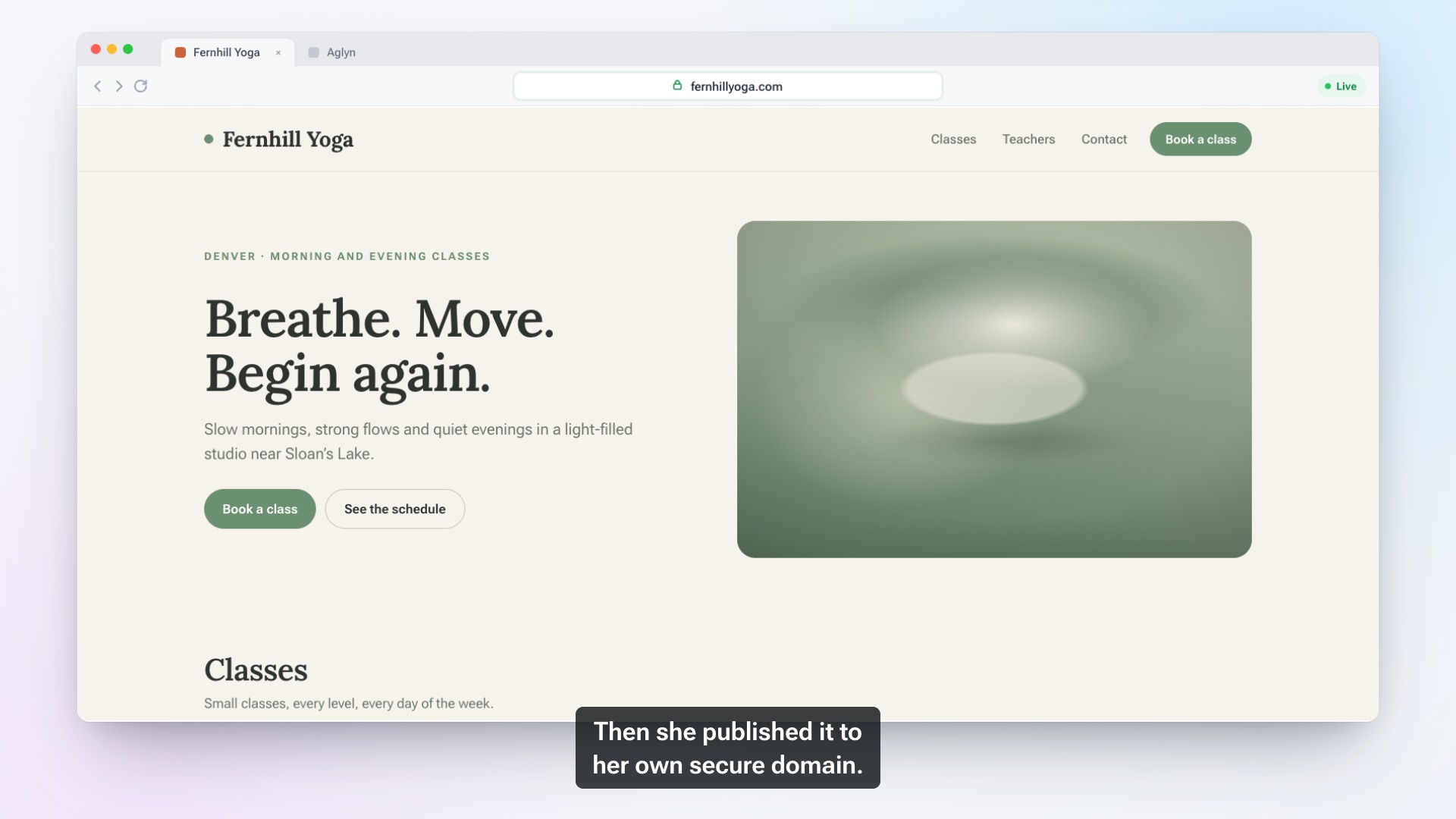
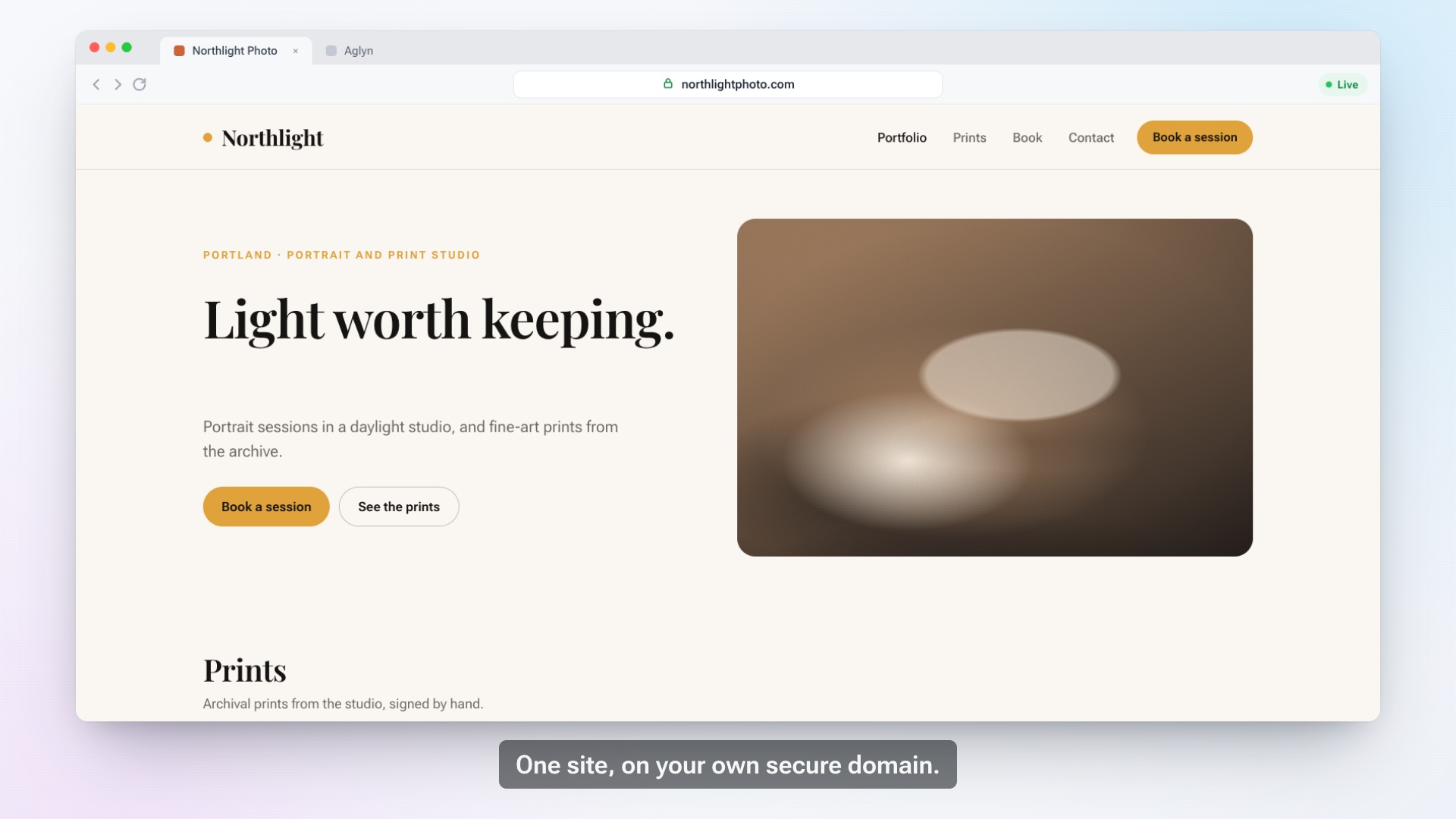
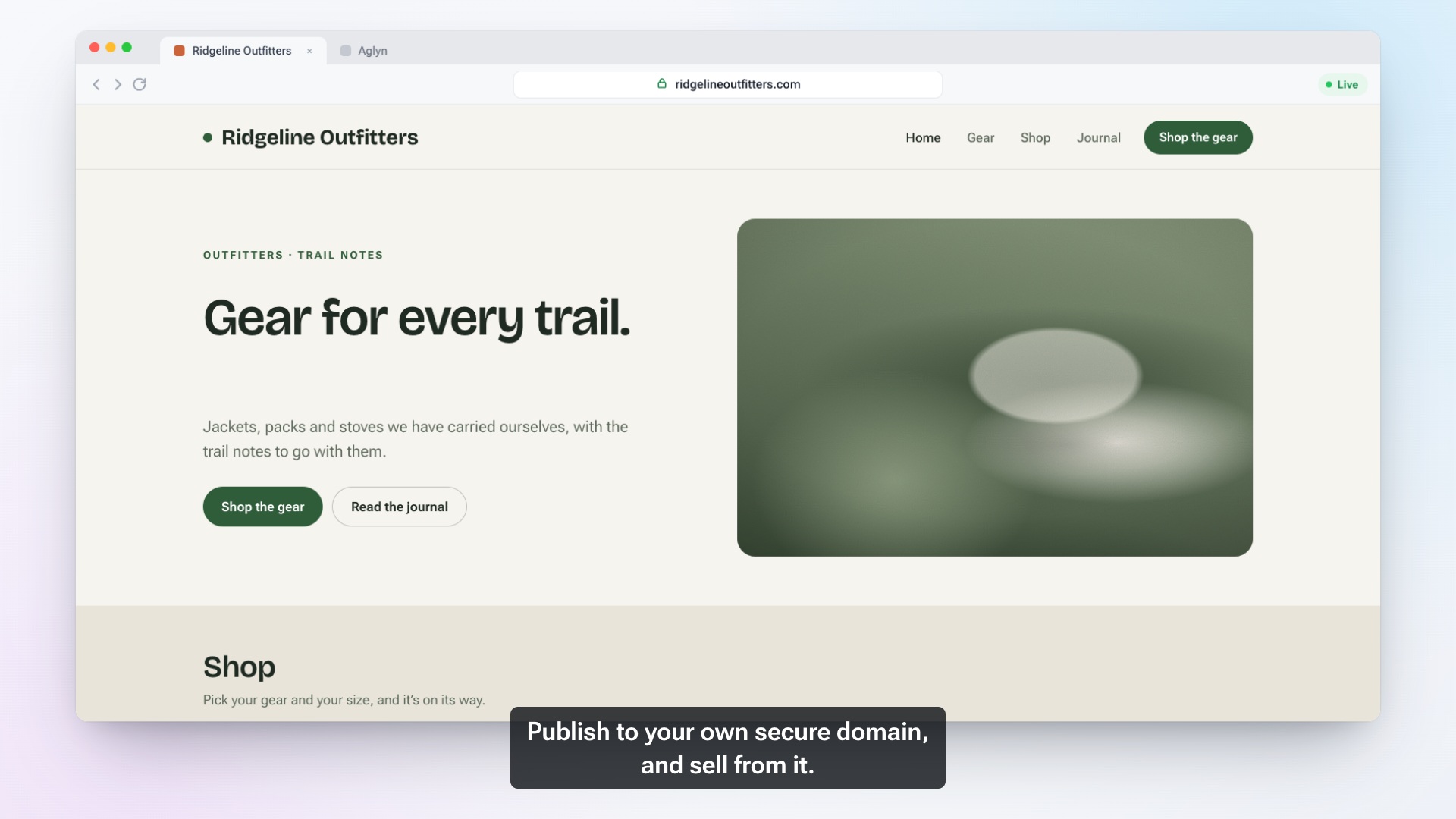
The film above shows the whole path in 40 seconds. This guide covers the decisions behind each step, so the site you end up with sounds like your business and not like a template.
Why one sentence is enough, if it's the right sentence
An AI website builder can only be as specific as what you tell it. "A bakery" gets you a generic bakery. "A bakery in Austin that takes custom cake orders for birthdays and weddings" gets you pages about custom cakes, written for people planning a party in Austin, with a clear way to place an order.
The difference is not length. It's whether the sentence answers the questions a visitor arrives with.
What to put in the sentence
A strong description covers four things:
- What you do, in the words a customer would use. "Custom cakes," not "confectionery solutions."
- Where you do it. A city or neighborhood matters for local search and for the copy on every page.
- Who it's for. Families, small offices, first-time buyers, other businesses.
- The one thing a visitor should do next. Order, book, call, or ask for a quote.
In Aglyn, choose Start this site with AI and answer "What kind of site are you creating?" with that sentence. The same short set of questions asks who the site is for, which starter examples you like, and where your contact form's messages should go: the Inbox, or the Inbox plus a lead in your contacts. Take the "who it's for" answer seriously. It is the audience every page's search title and description is written for.
Review the plan before anything is built
Plan my site returns a Proposed plan: the pages with their addresses and navigation, the shared header and footer they sit in, a contact form, and a color palette drawn from your theme. Nothing is built until you press Confirm plan.
Read the plan the way a first-time customer would:
- Are these the pages people look for? Most small businesses need a home page, a page per main service or product line, an about page and a contact page. A short FAQ page often earns its place.
- Are the addresses plain? `/custom-cakes` tells a visitor and a search engine more than `/offerings`.
- Is anything missing or wrong? A page for a service you don't offer is easier to catch now than after it has been written.
Once you confirm, Aglyn drafts four to eight pages, each with its sections, its address and its own search title and description. It also places the contact form, writes a welcome email draft, and leaves the palette waiting in your theme settings for you to apply. Every page arrives as an unpublished draft, so nothing new appears on your live site until you publish it.
The plan does not create a store, products or a booking schedule. Those are yours to add, and the sections below cover them.
What to change first by hand
A draft is a starting point. Work through it in this order:
- The home page headline. Double-click any text to edit it in place. The headline should say what you do and where, in plain words.
- The photos. Swap in your own work, your space and your team wherever you can. Real photos do more for trust than any sentence.
- Contact details and hours. Check every one. A wrong phone number costs more than a plain design.
- Section order. Drag sections to reorder them. Put the action you want, such as ordering or booking, near the top.
- The phone view. Switch the device preview from LG - Desktop down to XS - Mobile and read every page at that size, because most local visitors arrive on a phone.
If a paragraph doesn't sound like you, Rewrite with AI on the canvas offers another version to edit, or you can type over it yourself.
Add what you sell
On paid plans, the store is part of the same site. Connect your payment account on the Payments card first, then add products with photos and options such as sizes. Visitors use Buy now or a cart and pay on a secure hosted checkout page.
A few settings are worth deciding on day one:
- Delivery. Set flat shipping rates by region, or offer free local pickup if customers collect in person.
- Stock. Track inventory on items you make in limited numbers. At zero, the item shows as sold out instead of taking an order you can't fill.
- Drafts. A product saved as a draft stays invisible to visitors until it's ready.
There's more on catalogs, options and orders on the commerce page.
Go live on your own domain
On the Free plan your site publishes on an aglyn.app address, which is fine for trying things out. A domain of your own needs a paid plan and takes three steps:
- In the site's Admin area, open Custom Domain.
- At your domain registrar, add the one DNS record the card shows you: a CNAME for `www`, or an ALIAS or A record for the bare domain.
- Back in Aglyn, type the domain and press Verify & connect.
The SSL certificate is issued automatically, usually within a few minutes, and there is nothing to upload or renew. Your aglyn.app address keeps working until the new domain is serving, so the site always has an address that answers.
Before you share the link, run the SEO check under Setup → SEO. It flags missing search titles, duplicate descriptions, pages with no main heading and images without descriptions.
What happens when the first order arrives
Here is what each side sees:
- Your customer pays on the secure checkout page and receives a receipt email that opens with "Thanks for your purchase!"
- You get a notification in the Aglyn console, "New order on" followed by your site's name, and an email with the same subject.
- The order appears on your Orders page, where it moves from paid to fulfilled. You can add tracking, print a packing slip, and issue a full or partial refund if you need to.
- The buyer is added to your contacts automatically, marked as a customer, so you know who has bought before.
FAQ
Does the AI build my store or booking schedule?
No. It plans and drafts your pages, layout, contact form, palette and a welcome email. You add products, services and availability yourself, which keeps prices and schedules in your hands.
Can I build a website for free?
Yes. The Free plan publishes your site on an aglyn.app address. Your own domain, the store and bookings come with paid plans; see free website builder and pricing.
Will anything go live without me?
No. Pages the AI drafts stay unpublished until you publish them.
Can I change everything afterward?
Yes. Every page, section, color and word stays editable. For a longer walkthrough, read how to create a website or see what the AI website builder does.
Share this article
We're building the open web platform. Follow along as we ship — and tell us what you need.