Agencies: 20 client sites from one brief
 Zach Gover · Sep 2026
Twenty client sites is not a throughput claim. It is what a small agency's roster looks like, and it is the number at which the usual approach stops working: twenty logins, twenty billing relationships, twenty slightly different stacks, and a first draft that costs the same on the twentieth site as it did on the first.
What changes that is not a faster designer. It is that the first draft of a site stops being bespoke work — while the review, the judgment and the publish stay exactly where they were, with your team. Aglyn AI builds drafts. It never publishes, never changes a live page in place, never registers an address on a client's live site, never touches navigation and never sends anything. A client's site changes when somebody on your team decides it does.
Rolling out — Aglyn AI is a release-flagged feature, currently being rolled out — generative building does not appear in every workspace yet. Aglyn Assist, the assistant that answers questions about the product, is available today.
One console, one site per client
Every client is a site in your organization, and your organization is one console: one login, one place the work lives, one set of people with roles that decide what each can touch. A client's own contact can be a collaborator on their site alone, with no access to the other nineteen.
That is the precondition for everything below. A batch that builds across client sites only makes sense when the client sites are already in one place.
The intake brief
A generated site is only as good as its brief, and the brief is the thing an agency can standardize. Ask every client the same short set of questions once, at intake, and the answers become the input to every draft you generate for them.
- What the business is, in one sentence. The kind of business, and what makes this one different from the others in its category.
- Who it is for. The actual customer, not a demographic.
- Where. The city or service area, if it is a business where that matters.
- The one action. Book, call, buy, subscribe, visit. One per site, and if the client names three, make them rank them.
- Tone, by comparison. "Like a good instruction manual." "Like the neighbor who does this for a living."
- Three facts you have. A turnaround, a guarantee, a founding year, a price. Where the brief leaves a fact out, the draft marks the gap in square brackets rather than inventing one — so a thin intake form does not produce a wrong website, it produces a visible list of holes.
- Brand, if there is one. A hex color is used exactly as written, and the theme assistant reads the colors of a site logo that comes from the media library.
Keep the answers with the client. They are the reusable asset here, more than any template.
Generate each client's draft
A single site starts from its own Setup page: Start this site with AI asks what kind of site it is, who it is for and which starter example the client likes, then writes the brief from those answers and plans the site. Skip and start blank sits beside the questions the whole time and creates nothing at all.
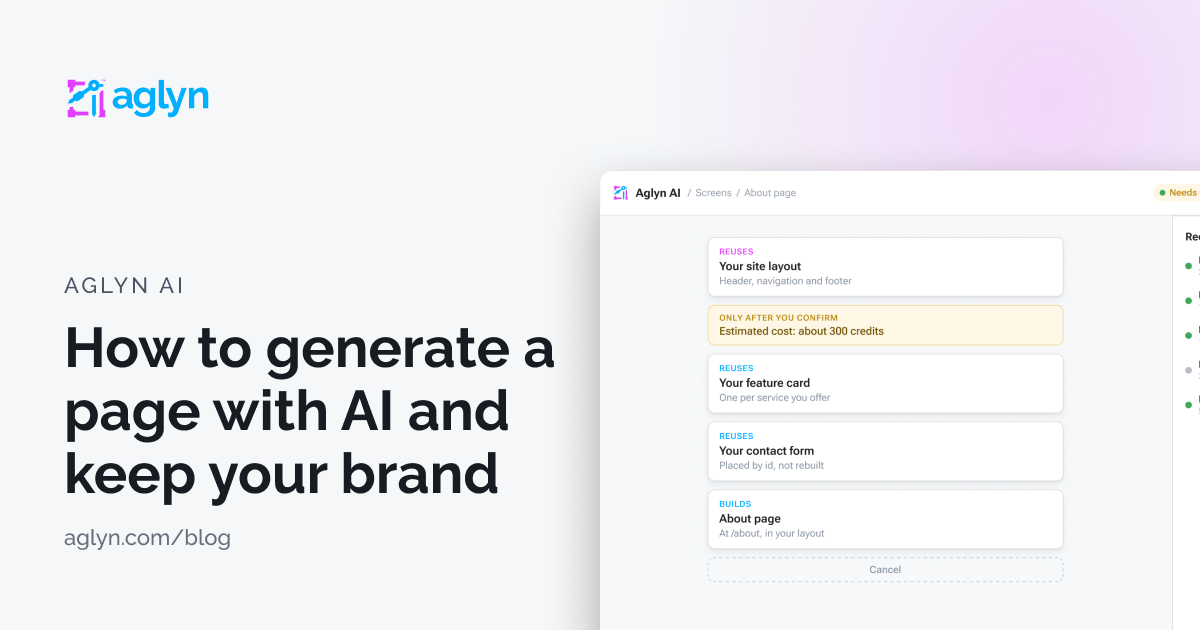
A scaffold proposes a plan first, and builds nothing until you confirm it. What it then builds is four to eight pages, each with its sections, address, search title and description; a shared layout for the header, navigation and footer; a contact form created on the Forms page and placed where it is needed; a palette suggestion made from the site's own theme; a welcome email draft if you ask for one; and a proposed navigation entry per page. The live navigation is not touched.
For the roster, the batch is on the Sites page of your organization: Generate for several sites runs one brief across many of your sites, changing the business name, the city and the brand for each. It is available on the plans that hold enough sites for it to be useful.
The shape of the run matters more than its size:
- Pick the sites and fill in each one's details. The card shows what one site is estimated to cost in credits and what the whole run is, before it starts.
- Each site becomes its own job. Each proposes its own plan. Each waits for you to confirm it. Each builds only drafts.
- The card's table shows where every site in the run has reached, with a link into each.
- You only see the sites you may build on, and a site you cannot is named rather than skipped quietly.
There is no step at which twenty sites go live at once, because there is no step at which anything goes live. Twenty sites means twenty plans to read and twenty drafts to review — which is the work, and it is an order of magnitude less of it than twenty first drafts.
If a run exhausts the workspace's credits partway through, the job stops and waits rather than failing. What it had already built stays, and it carries on when there are credits again. You can cancel at any point and keep what it made.
The review pass
This is the part to write down once and hand to whoever does it. An account manager can run it without a designer, and it is the same pass on every site.
- Read the plan, not the page. The plan names what will be reused and what will be created. A plan proposing to create something the client already has is the signal to stop and fix the brief.
- Work the square brackets. AI jobs lists every gap beside the draft, including the ones a component shows until the site sets its own. Nothing publishes with a bracket in it.
- Fill the image slots. Pictures arrive as empty slots with a description of what belongs there. Generated pages never link an image from another website, and every image carries alt text or is marked decorative — the slots you fill are the ones to check.
- Check the one action. Every button and link goes somewhere real; a link with nowhere to go is left out rather than pointed at the home page. Confirm the ones that remain are the action the client asked for.
- Read it at phone width. Generated layouts follow the theme's breakpoints, and this is still worth thirty seconds per page.
- Save the palette, or do not. The palette suggestion waits in the Theme section until somebody saves it.
- Publish, then add navigation. Publishing is per screen, by hand, by a person with the role to do it.
Keeping clients from spending each other's credits
One workspace means one pool of AI credits, which is a problem until you divide it. Allotments are the division: a monthly share of the pool set on a team member, on a site collaborator, or on a whole site. An agency can give each client site its own share, so one site running out never touches another.
- Hard stops requests for the month once the share is used, and the message names who can raise it.
- Soft keeps working and notifies the person and the workspace's owners and admins, in the console and by email, at 80% and again at 100%.
- An allotment is a share of the pool, never an addition to it — the workspace's own limits are checked first.
- Nobody can raise their own allotment.
- An allotment can also limit which models it runs on, and on the top plans the organization can restrict models for everyone the same way.
A client who does not want AI on their site at all is one switch: a site admin turns it off on that site's Admin → Plugins → AI page, and the page says what switching it off stops and what it leaves running. The other sites are unaffected, and a batch still builds the ones that have it on.
See AI allotments, usage and model choice for the whole of it.
White label and billing
White-labeling is worth separating from AI, because they are two different things that get sold as one.
White-labeling replaces the Aglyn brand across the console your team signs in to, the sites you publish and the transactional email your members and customers receive — product name, logo, colors, support URL, email from-name. It is its own plan entitlement; no add-on buys it, and the docs page names the plans that carry it. An organization that white-labels and later downgrades reverts cleanly: the stored brand is ignored rather than deleted, and comes back on upgrade.
Aglyn AI is an add-on, bought once for the workspace on any paid plan, metered in credits — not per seat and not per site. With it on, every member with the permission can generate on every site in the workspace.
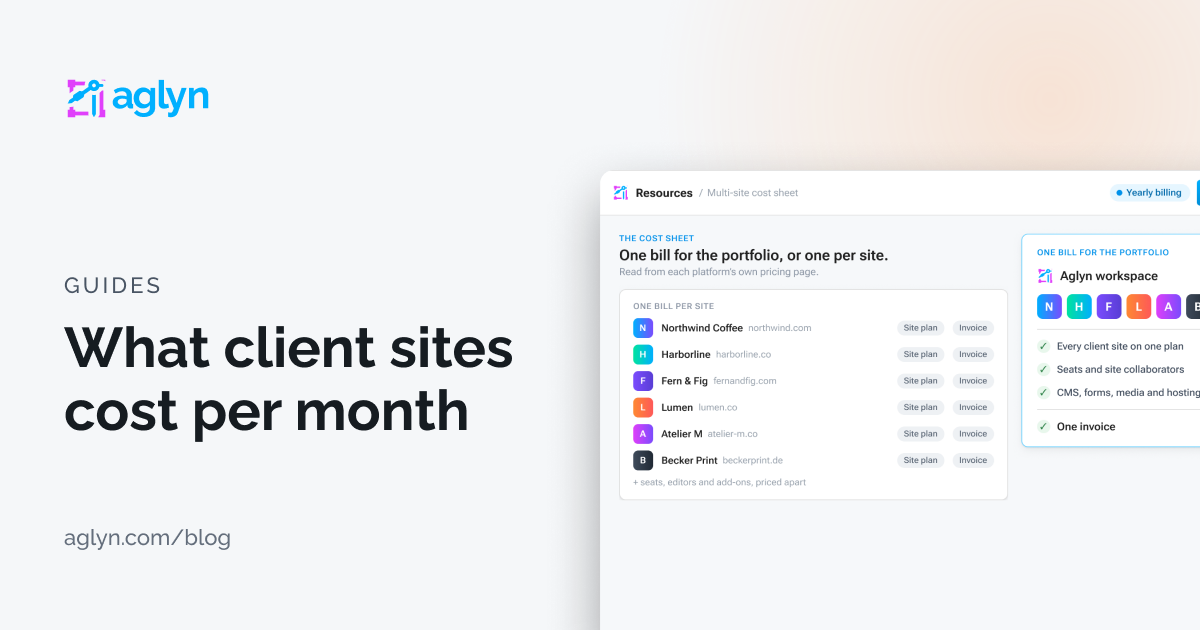
Billing is the workspace's, not the client's. Whether you rebill it, bundle it into a retainer or absorb it is your commercial decision; what the platform gives you is a per-site allotment so you can see and cap what each client's site draws.
What you still design by hand
Be honest with clients about this, because it is the difference between a tool that helps and a promise that fails on contact.
- Anything that is the brand. A generated draft is built from a theme somebody decided on. Deciding on it is design work.
- The photography. Image slots are slots. Nothing generates or licenses a picture of the client's actual premises.
- The facts. Prices, hours, credentials, service areas, legal copy. The bracket convention makes them visible; it does not supply them.
- The hard pages. A pricing table that has to be exactly right, a booking flow with real constraints, anything with money in it.
- The judgment. What to cut. Which of the client's three priorities is actually the one. Whether this reads like them.
What you get back is the first eighty percent of twenty first drafts, in your own components, with the review loop intact. That is a real change to how an agency's month looks, and it is a smaller claim than the one usually made for this.
Where to start
Read Agencies for how the console handles many client sites, and Aglyn AI for the add-on, the credits and the permissions. Generate a whole site from a brief has the scaffold and the multi-site run in detail. If you are comparing platforms, we keep pages on Duda and Webflow.
Share this article
Zach Gover is the founder and CEO of Aglyn. He spent eighteen years on both sides of the marketing–engineering handoff — building sites as a contractor, then running technical marketing at Caringo through its acquisition by DataCore and at DuploCloud from seed through Series B. The pattern never changed: the marketing site is a company’s most-visited product surface and the one the team can least afford to touch. Aglyn is his answer to that. He writes from Austin, and this site is built in the product it describes.